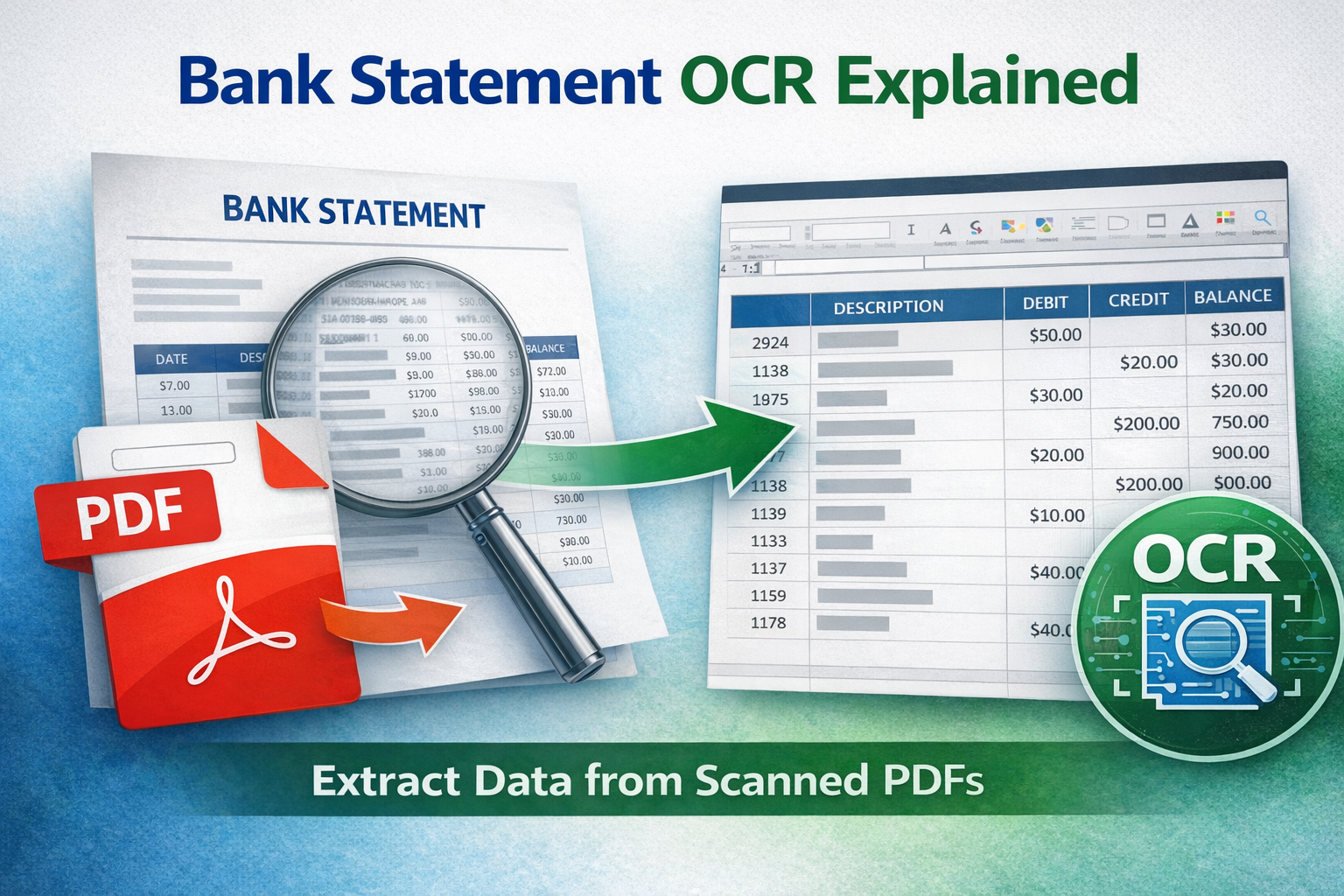
If you've ever tried to extract data from a scanned bank statement and failed, the reason is simple: you need bank statement OCR.
After OCR processing, you can convert bank statement PDF to Excel or export to CSV.
OCR (Optical Character Recognition) converts image-based PDFs into machine-readable text so you can extract transactions from scanned PDF files and convert them into Excel or CSV.
What Is Bank Statement OCR?
Bank statement OCR is a technology that scans image-based PDFs and identifies text, numbers, tables, and transaction rows. Once converted to readable data, the transactions can be exported into structured formats like Excel or CSV.
This is essential when dealing with:
- Scanned bank statements
- Photographed statements from mobile apps
- Email attachments saved as images
- Older archived PDF statements
Why Normal PDF Extraction Fails
There are two types of PDFs:
- Text-based PDFs – Data can be copied and extracted directly.
- Image-based PDFs – Text is just pixels (like a photo).
When working with image-based statements, normal extraction tools fail because there is no selectable text. That is where OCR bank statement processing becomes necessary.
How Bank Statement OCR Works
The OCR process typically follows these steps:
- Detect whether the PDF is text-based or scanned
- Convert image content into digital text
- Identify table structures
- Detect transaction columns (Date, Description, Debit, Credit, Balance)
- Export structured data into Excel or CSV
Advanced systems also clean formatting, normalize dates, and preserve debit/credit signs.
Common Problems with Scanned Statements
- Blurry scans
- Skewed pages
- Low resolution images
- Shadowed mobile photos
- Multi-page alignment issues
High-quality bank statement OCR software corrects skew, enhances contrast, and improves recognition accuracy before extracting transactions.
Convert Scanned Bank Statement PDF to Excel
Once OCR processing is complete, you can:
- Convert scanned bank statement PDF to Excel (.xlsx)
- Export PDF to CSV bank statement format
- Import into accounting software
- Run reconciliation and financial analysis
This allows full automation even for image-based documents.
Accuracy Considerations
OCR accuracy depends on:
- Scan resolution
- Font clarity
- Document alignment
- Software quality
Modern OCR engines can reach very high accuracy levels when optimized for financial documents.
When Should You Use Bank Statement OCR?
You need OCR if:
- You cannot highlight text in the PDF
- Copy/paste does not work
- Excel import fails
- The statement was scanned or photographed
If the PDF allows text selection, OCR may not be required.
Final Thoughts
Bank statement OCR makes it possible to extract transactions from scanned PDFs and convert them into structured data. Without OCR, automation is impossible for image-based bank statements.
If you frequently work with scanned statements, using reliable OCR-powered extraction software saves hours of manual entry and reduces costly accounting errors.