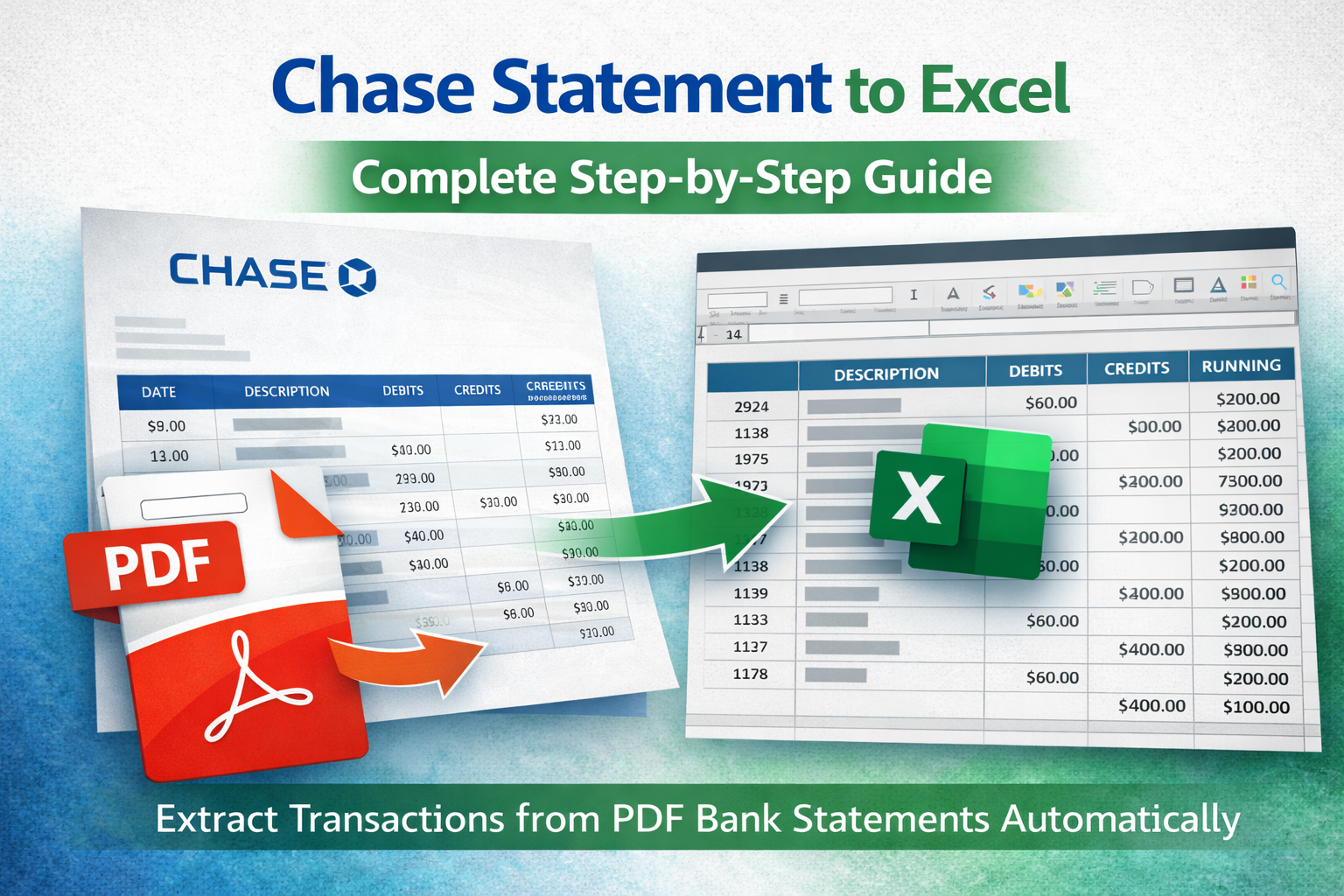
If you need to convert a Chase statement to Excel, you're not alone. Many business owners and individuals need structured transaction data for budgeting, accounting, or tax preparation.
This guide explains how to extract transactions from a Chase bank statement PDF and convert them into Excel or CSV format accurately.
Why Convert a Chase Statement to Excel?
- Import into QuickBooks or accounting software
- Analyze spending trends
- Reconcile transactions
- Prepare tax documentation
- Share structured data with accountants
PDF statements are static. Excel allows sorting, filtering, and automation.
Common Problems with Chase PDF Statements
- Multi-column layout
- Separate debit and credit columns
- Running balance column
- Multi-page statements
- Wrapped transaction descriptions
Manual copy-paste often breaks formatting and misaligns data.
Method 1: Import Chase Statement into Excel
Modern Excel versions allow importing from PDF via Data → Get Data → From PDF.
However, this method often:
- Misses balance columns
- Fails on scanned statements
- Breaks multi-line descriptions
Method 2: Use a Dedicated Extraction Tool (Recommended)
The most reliable way to convert a Chase statement to Excel is using a tool specifically designed to extract transactions from PDF bank statements.
These tools automatically:
- Detect transaction tables
- Preserve debit and credit values
- Maintain running balance accuracy
- Handle multi-page layouts
- Export to Excel (.xlsx) or CSV
What If the Chase Statement Is Scanned?
If your Chase statement is scanned or image-based, you need bank statement OCR.
OCR converts image text into machine-readable data so transactions can be structured properly before exporting.
Learn more about bank statement OCR.
Chase Statement to CSV
If you need a PDF to CSV bank statement conversion for accounting software:
- Ensure dates follow consistent format (YYYY-MM-DD recommended)
- Confirm debit/credit signs are correct
- Remove currency symbols if required
- Verify numeric formatting
Related Guides
Final Thoughts
Converting a Chase statement to Excel doesn't need to be manual or time-consuming. With the right extraction process, you can automate the conversion and ensure accurate financial data every time.