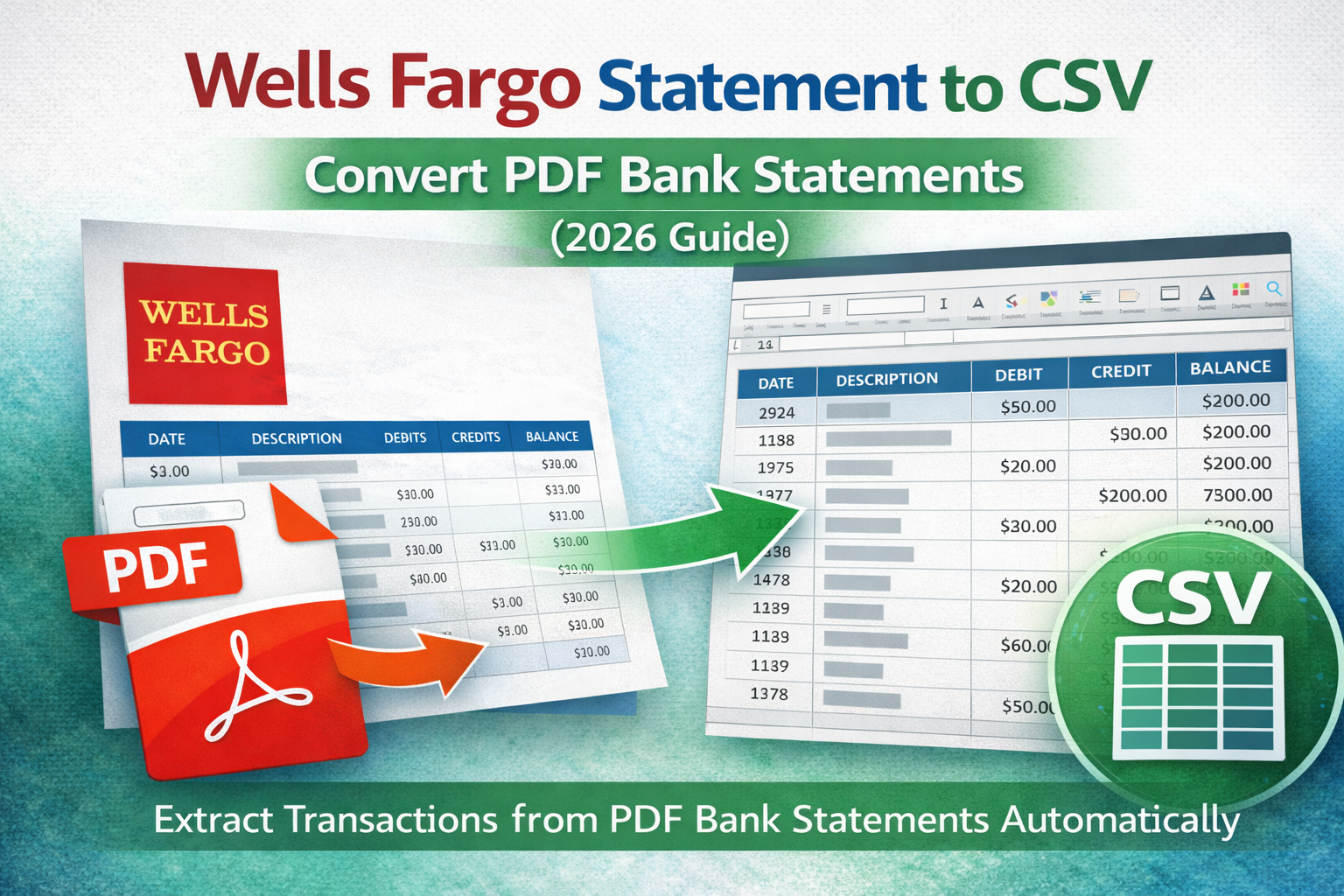
If you need to convert a Wells Fargo statement to CSV, you're likely trying to import transactions into accounting software, reconcile expenses, or analyze spending in Excel.
This guide shows the best ways to convert a Wells Fargo bank statement PDF into a clean CSV file and avoid common formatting problems.
Why Convert a Wells Fargo Statement to CSV?
CSV is the most common format for importing bank transactions into tools like QuickBooks, Xero, and accounting systems. Converting a PDF statement into CSV allows you to:
- Import transactions into accounting software
- Sort and filter data quickly
- Reconcile expenses and income
- Build reports and budgeting models
Common Issues With Wells Fargo PDF Statements
Wells Fargo statements are usually well-structured, but conversion can fail due to:
- Multi-line descriptions (merchant names wrap to the next line)
- Multi-page tables (headers repeat per page)
- Credits vs debits formatting (separate columns or sign handling)
- Fees grouped separately (easy to miss)
- Scanned statements (no selectable text)
Method 1: Copy & Paste (Not Recommended)
Copying a PDF table into Excel might work for a small statement, but it often causes:
- Broken columns
- Merged rows
- Incorrect amounts
- Missing lines
Manual cleanup takes longer than the conversion itself.
Method 2: Excel Import From PDF
Excel can import from PDF using Data → Get Data → From PDF.
Pros: Fast and built-in.
Cons: Struggles with multi-line descriptions and often fails on scanned statements.
Method 3: Use a Bank Statement Extraction Tool (Best Option)
The most reliable way to convert a Wells Fargo statement to CSV is using a tool made specifically to extract transactions from PDF bank statements.
These tools typically:
- Detect transaction tables automatically
- Merge wrapped description lines correctly
- Normalize dates and amounts
- Export a clean PDF to CSV bank statement file
- Support multi-page statements
If you want a broader overview, read: Best way to extract transactions from PDF.
What If the Wells Fargo Statement Is Scanned?
If the PDF is scanned (image-based), conversion won't work unless you use bank statement OCR.
OCR converts the image into readable text so tables can be reconstructed and exported.
Read the full explanation here: Bank statement OCR explained.
CSV Format Tips (Avoid Import Errors)
When exporting CSV, you get the best results if:
- Dates use a consistent format (YYYY-MM-DD recommended)
- Amounts are numeric (no $ signs)
- Debit/credit handling is consistent (either separate columns or one signed column)
- Description fields stay in a single row (no line breaks)
Related Guides
Final Thoughts
Converting a Wells Fargo statement to CSV is easiest when you use a tool designed for bank statement extraction. It prevents formatting errors, captures all transactions, and saves hours of manual cleanup.